Retro sarees go viral with Gemini AI
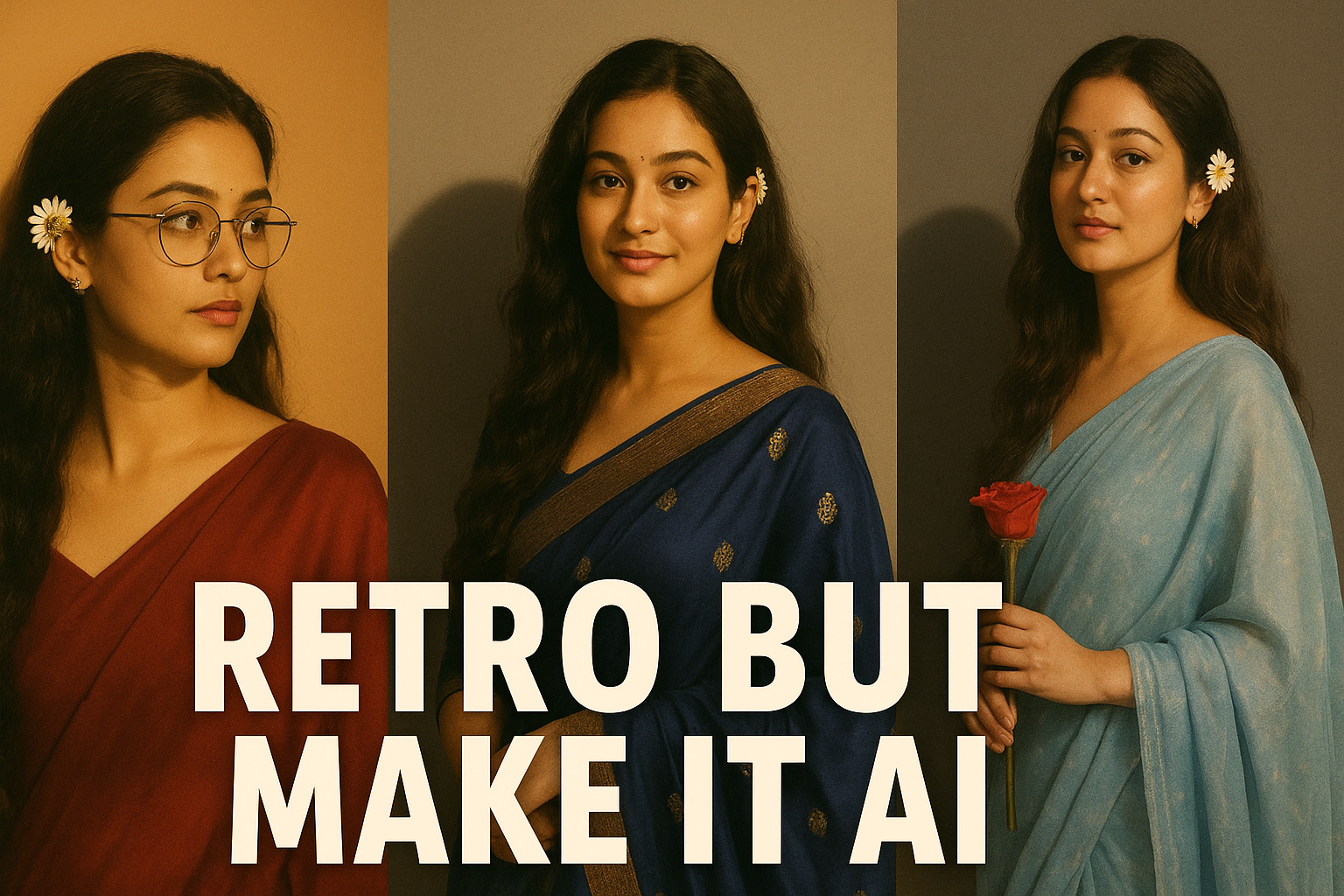
Gemini AI makes classic sarees popular: Learn how to make your own saree edit.
AI saree edits are the latest trend on Internet. The chiffon flying, golden light, and vintage drama in these photos make them look like they belong on a Bollywood poster. The enjoyable aspect? A large studio or movie set is not necessary. Just the appropriate instruction, Google's Gemini AI, and your photo.
This is the simplest step-by-step guide:
Step 1: Establish a mood Think of yourself as a heroine from Bollywood.
Step 2: Open Gemini AI Click "Image Editing" after logging in with your Google account (look for the Banana icon). Rest assured, it is as easy as using a filter.
Step 3: Pick a quality image. Choose a photo that shows your face well. Simple backgrounds and good lighting are ideal for best result. Utilize viral stimuli in step four.
Step 4: Use below viral prompts Simply paste a pre-made prompt, and AI will take care of the rest. For instance:
"Convert 4k HD realistic, A stunning portrait of a young Indian woman with long, darke, wavy hair cascading over her shoulders. she is wearing a translucent, elegant Navy blue saree draped over shoulder, revealing a fitted sleevless blouse underneath. Lilly flowers are tucked behind her right ear. She is looking slightly to her right, with a soft, serene expression. I want same face as I updated no alternation 100 percent same. The background is a plain, warm - toned wall , illuminated by a warm light source from the right. Creating a distinct, soft - edged shadow of her profile and hair on the wall behind her. The overall mood is retro and artistic.""
Step 5: Post and Enjoy Save your edit when it is complete. Put a humorous caption like "Retro but make it AI." Adding an old filmi music is a bonus.